Preparing Color for Print
CMYK vs RGB
Use CMYK for all print files. RGB causes color shifts on output.
Black and Greyscale Handling
Black text must be set to 100% K. Greyscale prints require greyscale color mode with shades of black.
Special Color Requirements
Pantone and HKS values must be entered into the color channels. Use knockout, not overprint, for overlapping special colors.
Setting Document Dimensions
Original Size Requirements
Create files in final trim size. Scaling up or down introduces pixel loss or blur.
Trim and Bleed Guidelines
- Standard products: 2mm bleed
- Envelopes: 1mm
- Folders, packaging, calendars: 3mm
- Textile frames: 15mm
Safe Margin Zones
Keep critical content 3mm inside trim. For spiral binding, allow 20mm on the binding side. Extend backgrounds into the bleed zone.
Image and Layout Specifications
Resolution Standards
- Photos and greyscales: 250 dpi
- Line drawings: 1,200 dpi
- Signage with text: 150 dpi
- Basic ad prints: 72 dpi
Line Weights and Borders
Minimum stroke: 0.22 pt. Lines thinner are auto-adjusted or dropped. Borders should not define layouts—trim variance may cut into them.
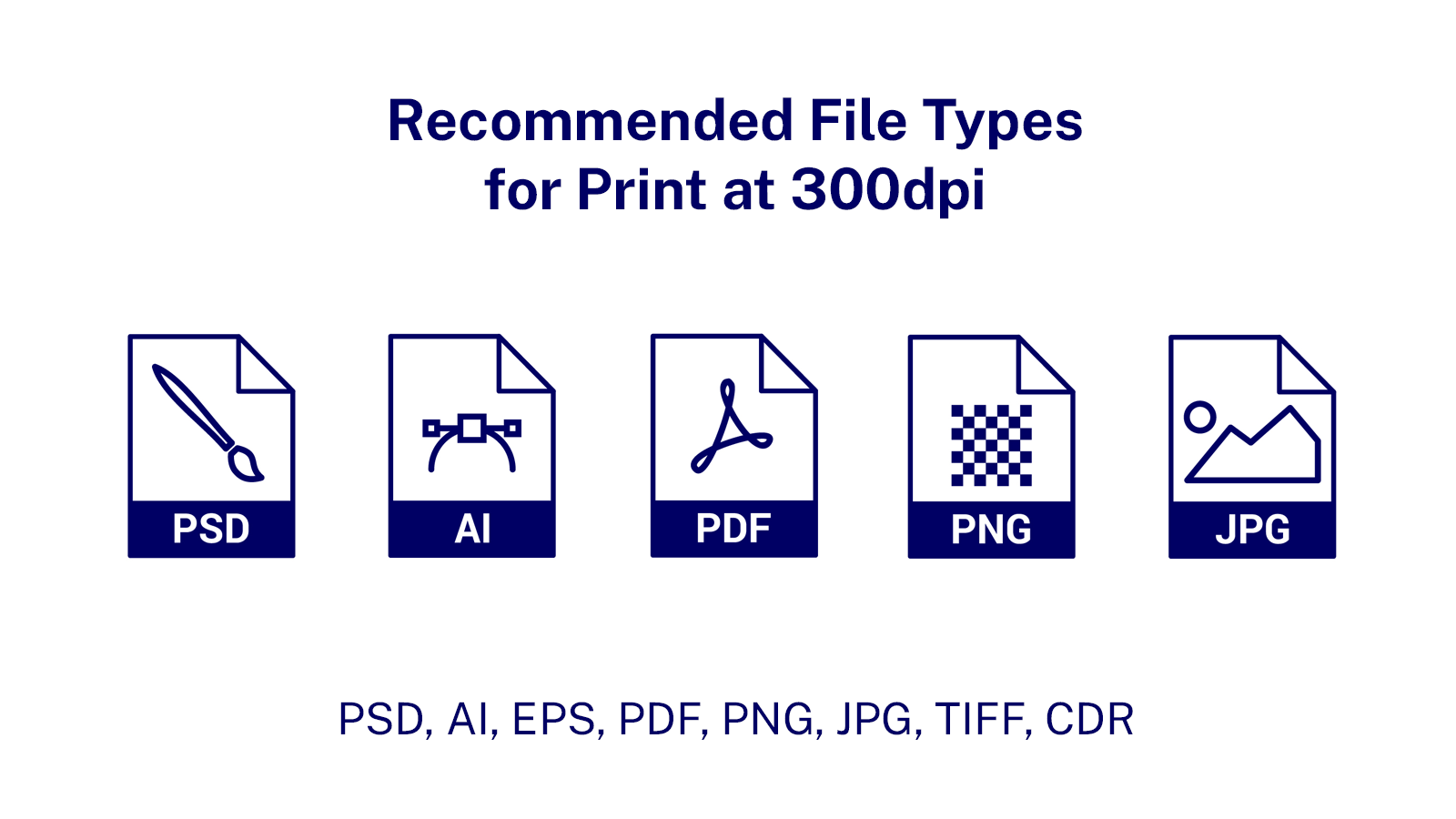
Accepted File Types and Structure
Supported Formats
Submit files as PDF, EPS, AI, PS, JPG, or TIF. Merge all layers into a single flattened layer.
Fonts and Path Conversion
Convert all fonts and paths to outlines. Maintain high contrast between text and background to guarantee readability post-print.
Multi-Page File Setup
Page Deletion and Order
Remove all unused pages. Number remaining pages sequentially from cover to back page.

